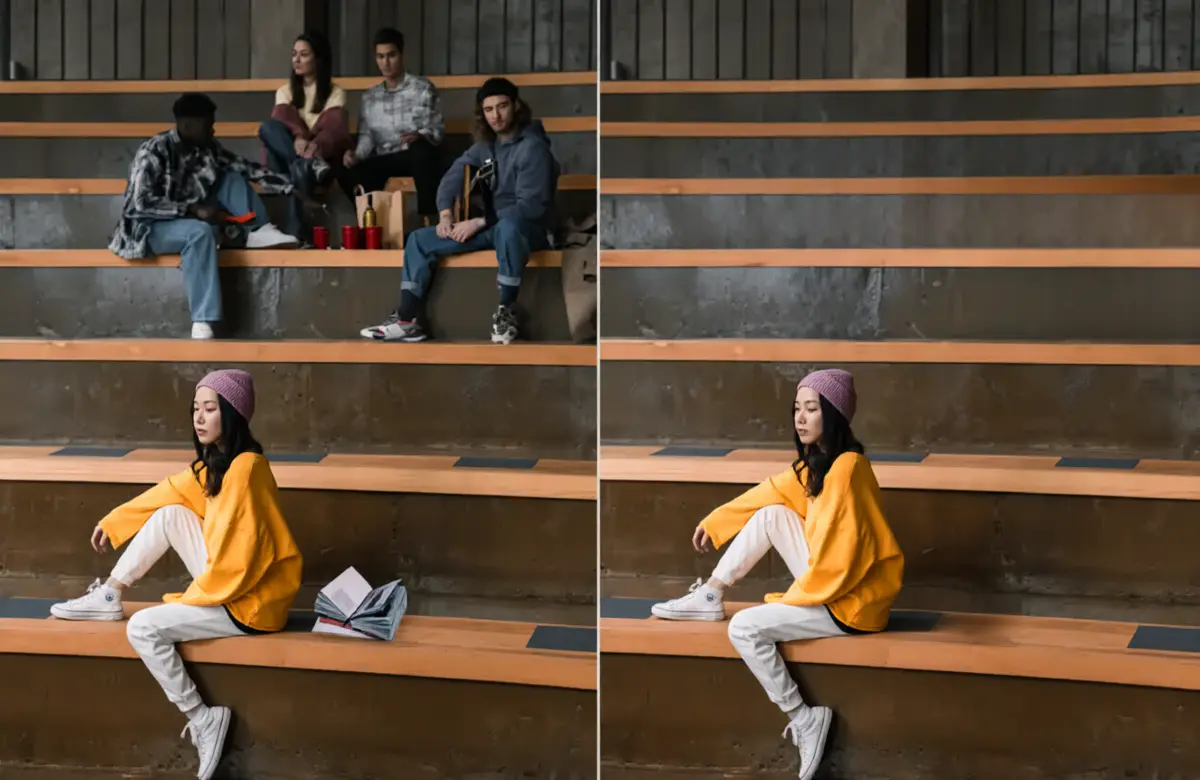
Remove Object
Tap once and Snapedit spots the clutter, then wipes it away cleanly.
Snapedit puts a full AI editing studio in your browser. Erase distractions, swap backgrounds, sharpen blurry shots and batch-edit whole folders at once, with nothing to install and crisp high-resolution exports.
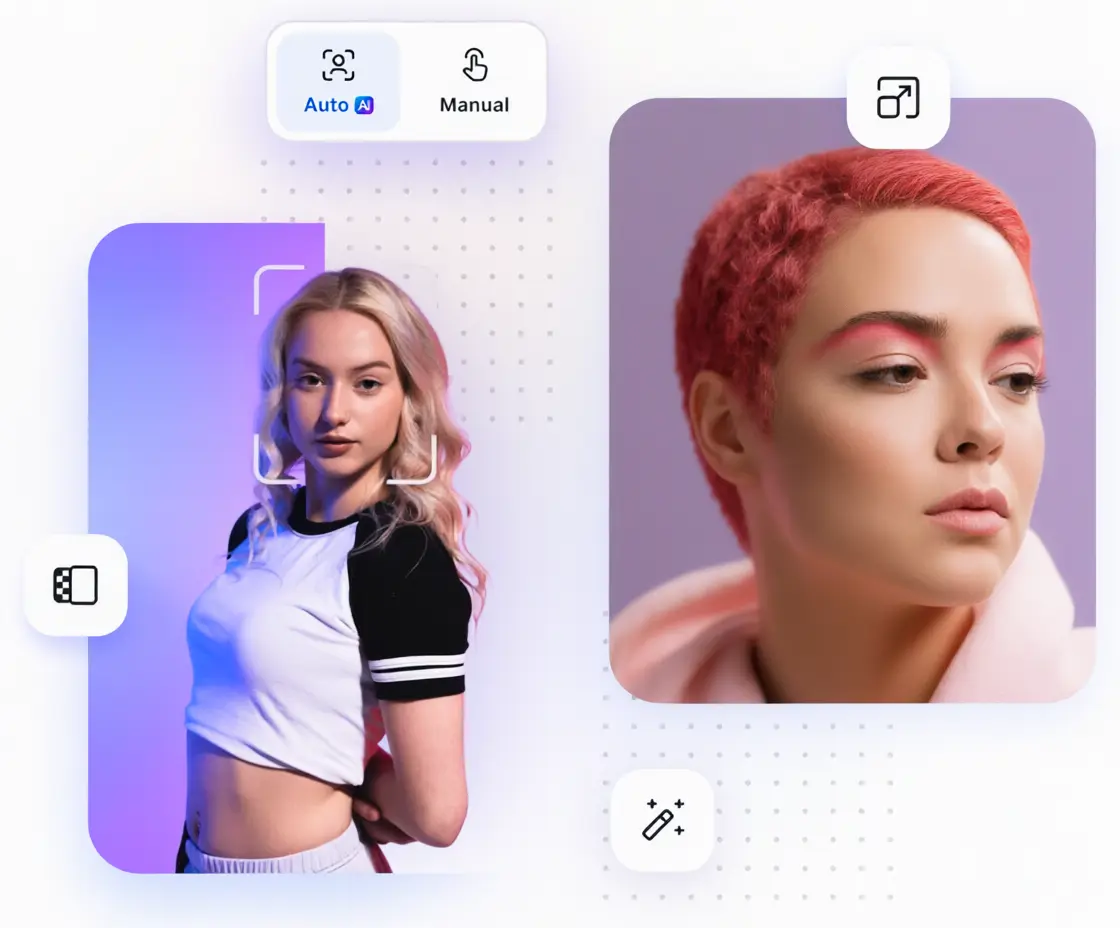
Built for creators publishing everywhere










Stop hopping between apps. Snapedit gathers object removal, background cutouts, upscaling, compression and batch tools into a single tidy workspace: fewer tabs, quicker edits, cleaner results.
Tap once and Snapedit spots the clutter, then wipes it away cleanly.
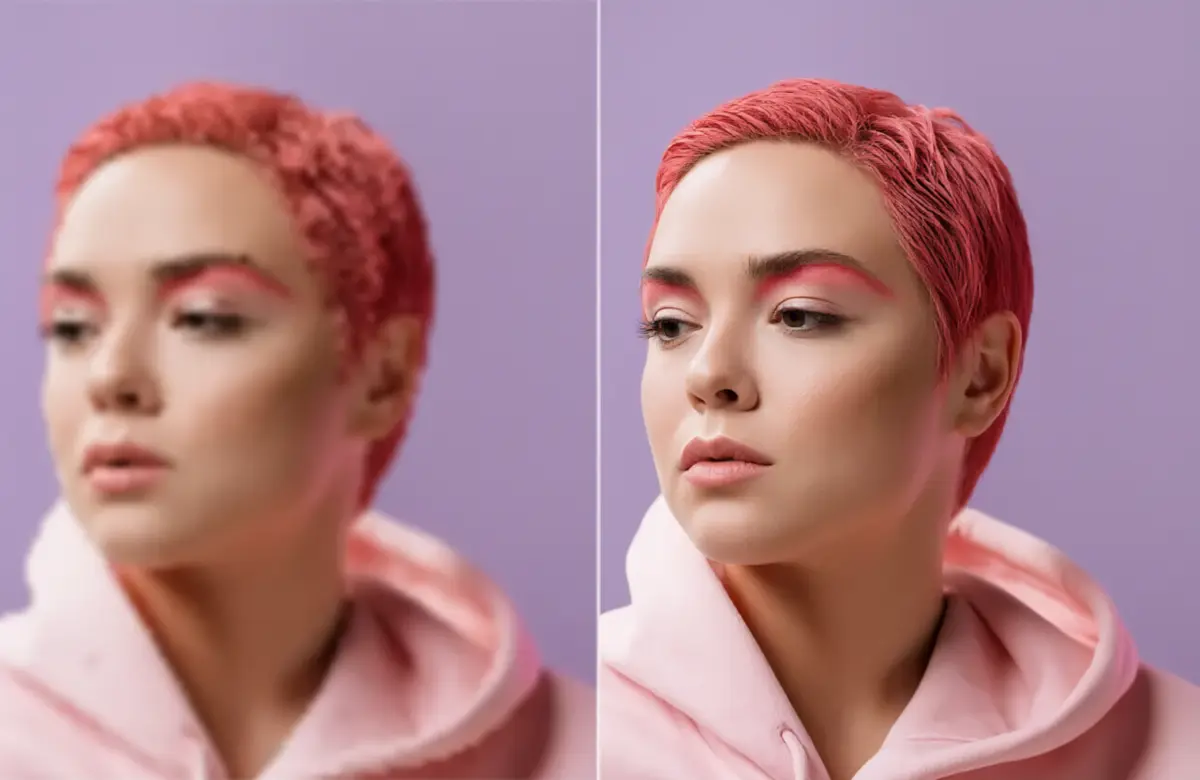
Lift resolution on soft or blurry shots and bring back crisp detail.
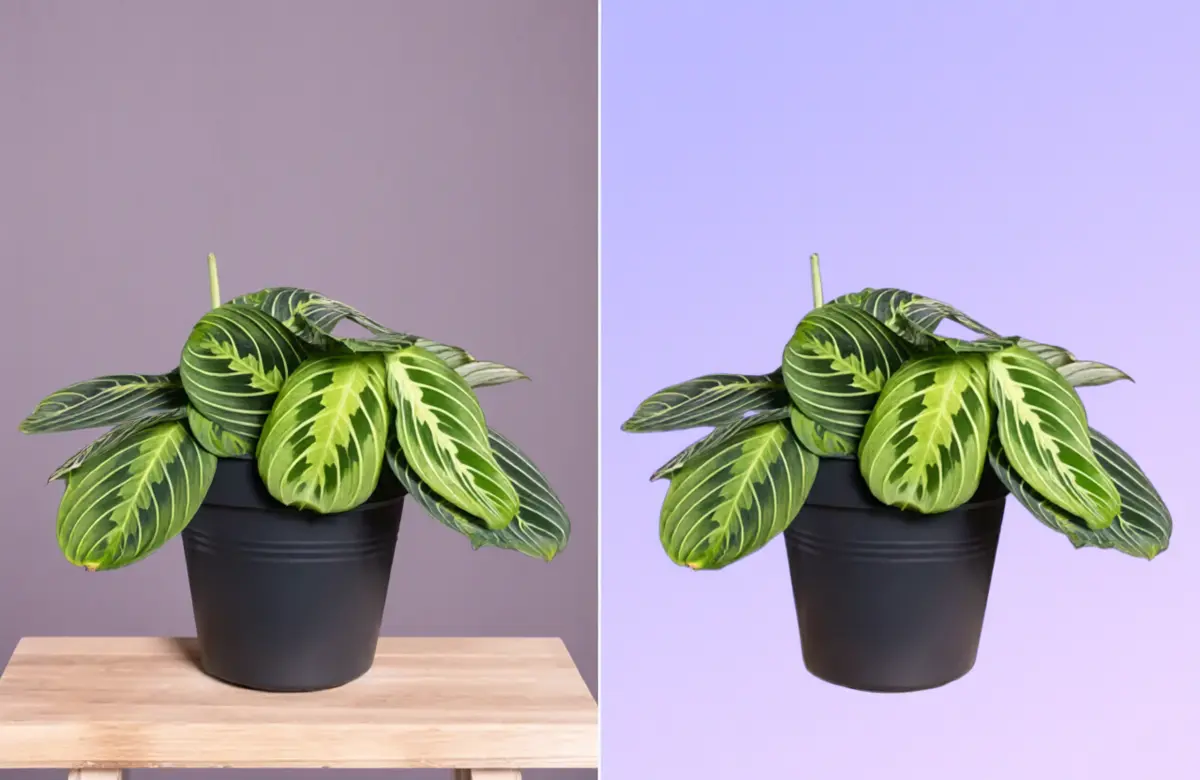
Cut subjects out in a click, then drop in a fresh backdrop template.
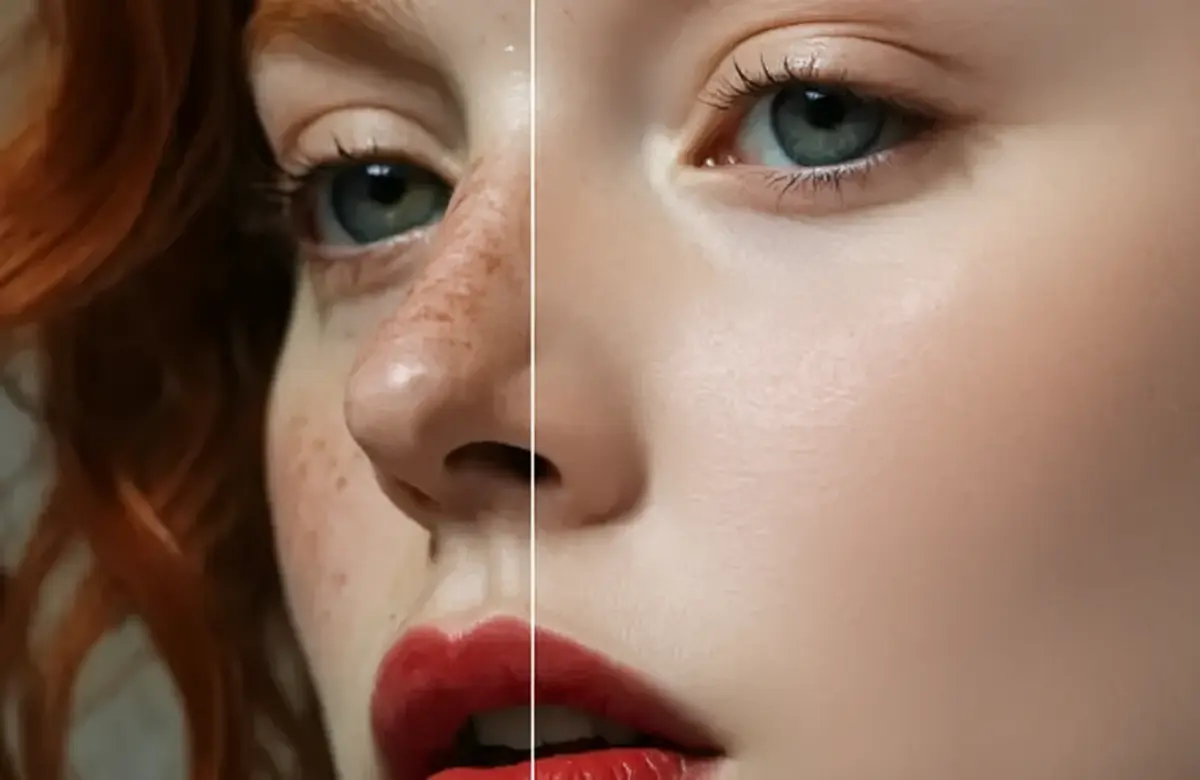
Smooth blemishes and even out skin tone while keeping texture natural.
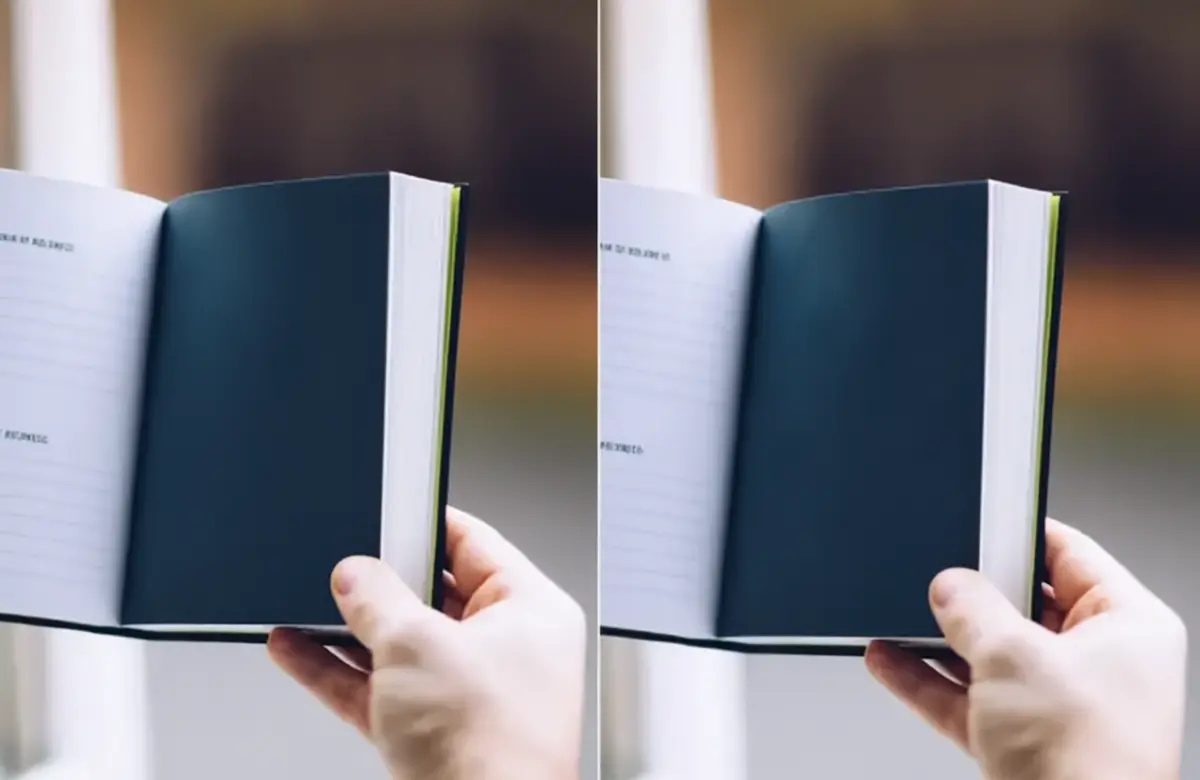
Find captions, stamps and overlays automatically and erase them from photos.
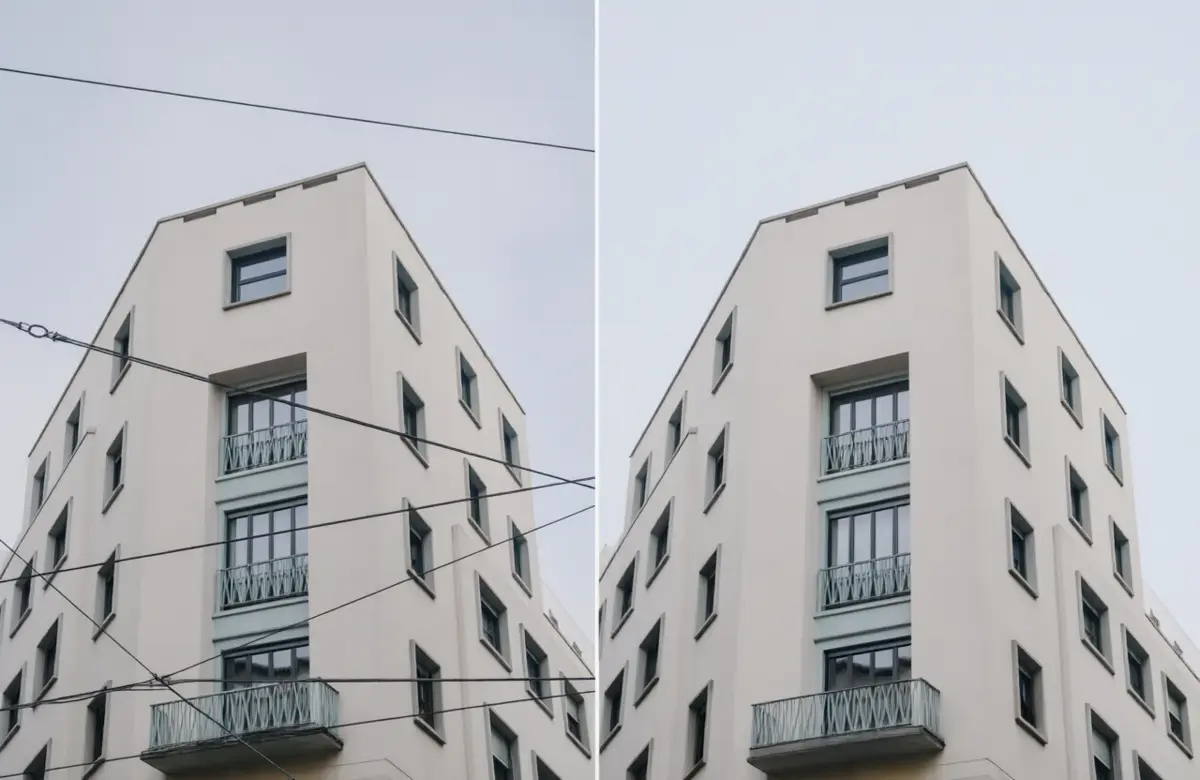
Clear power lines and cables from skylines with a dedicated line eraser.
Creators, shops and everyday users turn to Snapedit to tidy images faster. Every month millions of photos pass through our web editor, mobile apps and business integrations.

300M+
Photos edited

20M+
People worldwide

4.8/5 star
Average app store score


Snapedit helps creators polish shots in minutes: clear distractions, sharpen detail, try fresh looks and prep images for Instagram, TikTok, YouTube or your next campaign.
 Wipe out unwanted objectsTry new AI-generated stylesPublish polished social visuals
 Erase objects

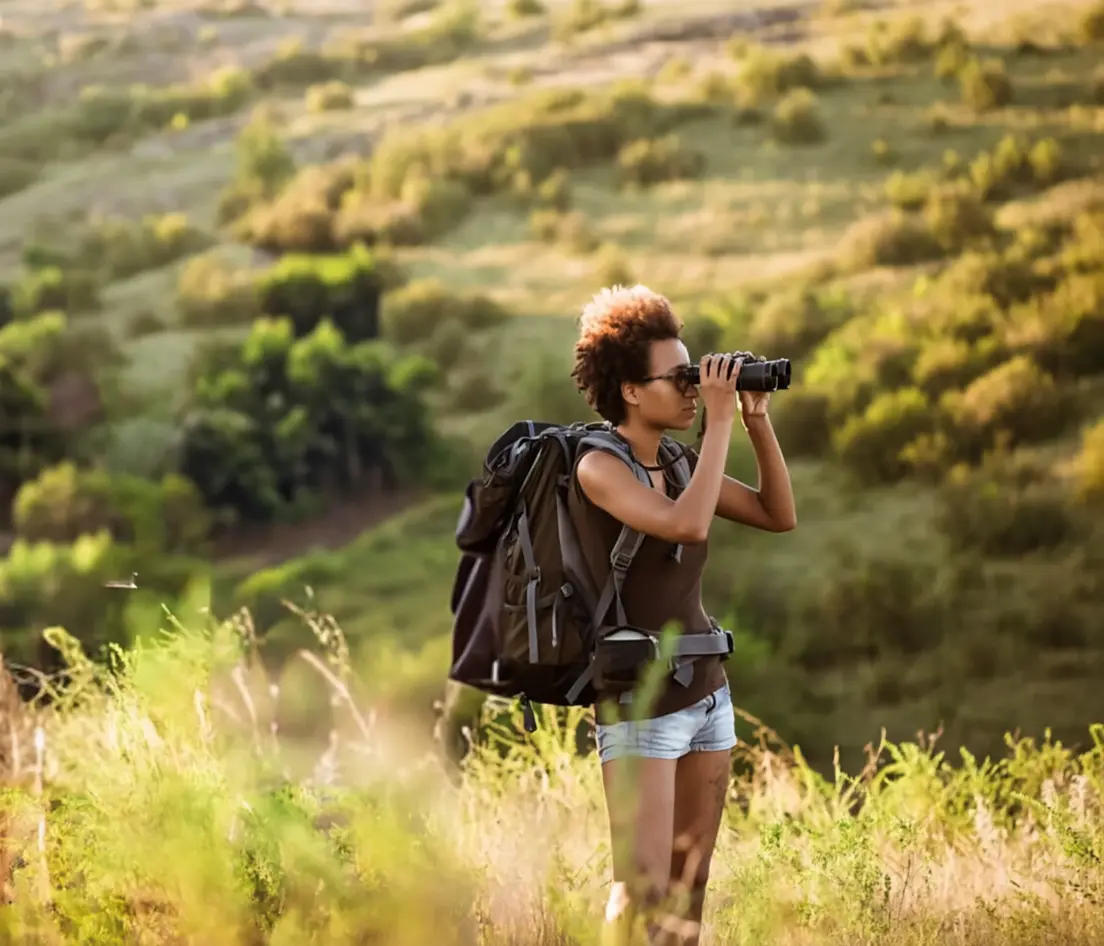
Stores and agencies can speed up catalog work with Snapedit: strip backgrounds, match product styling, shrink file sizes and get listings ready sooner. Need automation? Plug the API into your own pipeline.
Edit whole batches togetherAutomatic background cutoutsConnect workflows through the API Cut backgrounds


Snapedit sharpens blurry pictures, removes distractions and boosts overall quality, so ordinary photos look professional without learning heavy editing software.
Single-click enhancementFriendly for first-timersRuns right in the browser Enhance a photo


Over 21 million people use Snapedit on the web and on mobile. Here is what a few of them say.
Support answered my email within hours, and Snapedit simply works. Best editor on my phone.

Lena Ortiz
iOS user
Honestly a game changer. I have never been this happy with a photo app.
Marcus Bell
Web user
As a digital artist I tested dozens of erasers. Snapedit is the most precise by far.

Priya Nair
Illustrator
Removed a stranger from my wedding photo in seconds. Nobody can tell.

Tomás Reyes
Android user
Totally worth it. It clears people and clutter better than anything else I tried.

Hannah Cole
iOS user
It brought my grandparents' faded, low-quality prints back to life. I'm thrilled.

Owen Park
Travel blogger
Even a tiny, heavily cropped image came out sharp and clean. Impressive AI.

Sofia Lund
Web user
Our shop listings look consistent now, and editing takes a fraction of the time.

Daniel Asante
Store owner
Install the mobile app for a smoother, faster editing experience on your phone.


Snapedit is an AI photo editor for individuals and businesses. Its toolkit covers object removal, background cutouts, upscaling, compression, format conversion and batch edits.
No. Snapedit runs in any modern browser, and optional apps exist for iPhone and Android.
Object and text removal, background cutouts, enhancement, AI skin retouching, wire removal, blur, watermarking, compression and conversion.
Portraits, products, travel shots, property images and scanned prints all work well in JPG, PNG or WebP.
Yes. Use the mobile site or install the app from the App Store or Google Play.
Yes. Batch tools and the API let businesses process big image sets with consistent results.
Yes. Snapedit offers an API so you can bring its editing tools into your own apps and workflows.
Export results as PNG or JPG, ready for social posts, listings or print.
Yes. Each step can be reversed, and you can compare the result with the original before saving.
The AI rebuilds erased areas from surrounding texture and light, so most fixes blend in naturally.
Snapedit pairs one-tap AI with manual brush controls, giving you speed and precision in one place.