Option 1
Choose SnapEdit for a targeted photo fix
Use it when the main task is to clean up, adjust, or simplify an existing image.
A focused workflow is easier to review when the desired change is clear and limited to a few areas.
Quick definition
If you are asking what is snapedit app, think of it as an image-editing tool designed to simplify common photo changes. It can help people work with everyday pictures without starting with a complex editing workflow.
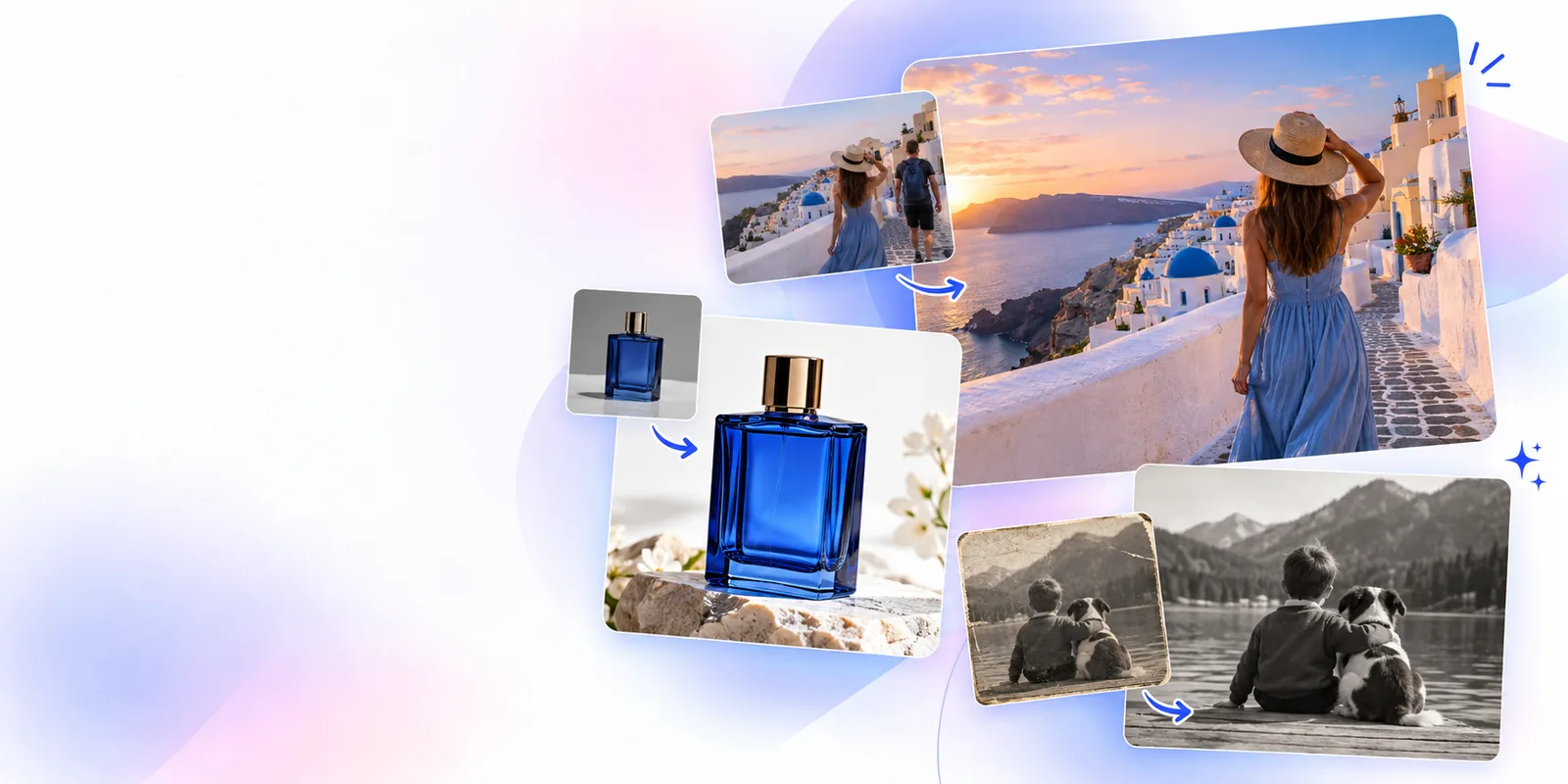
These points summarize the definition before the detailed workflow, practical boundaries, and examples below.
The basic requirements are simple, but preparing the source image well can make the result easier to judge.
A photo or image that you have permission to edit. — Use an original or properly licensed image.
A clear editing goal, such as removing an unwanted element or improving a distracting area.
A stable connection for sending the image through the editing workflow.
A willingness to review the output and decide whether another pass is needed.
A backup copy of the original image.optional — Useful when you want to compare results or try a different edit.
The process follows a straightforward sequence: provide an image, describe or select the intended change, then inspect the revised version.
Start with a photo that clearly shows the area you want to change. A larger, sharper source generally gives the editor more useful visual information.
Identify the object, background area, text, or quality issue that needs attention. Keeping the request specific helps separate the main change from unrelated details.
Check edges, textures, faces, shadows, and repeated patterns in the output. Keep the result when it meets the goal, or refine the request and compare another version.
The right choice depends on whether you need one focused correction or a more involved creative production process.
Option 1
Use it when the main task is to clean up, adjust, or simplify an existing image.
A focused workflow is easier to review when the desired change is clear and limited to a few areas.
Option 2
Use a more comprehensive editor when you need layered compositions, detailed manual masking, typography, or precise color control.
Those tasks require more direct control than an automated, single-purpose image change usually provides.
Option 3
Consider a different tool when the source is extremely low quality, heavily compressed, or visually ambiguous.
An editor cannot reliably infer details that are missing from the original image.
Understanding the limits is part of understanding the app. Automated image editing can be useful, but it is not a substitute for reviewing the final pixels.
Fine hair, transparent materials, smoke, reflections, and overlapping objects can make a clean selection difficult.
What to do instead
Use a simpler source image or inspect the edges closely before keeping the result.
If an object is hidden, blurred, or cropped out, the editor may have to infer what should appear there.
What to do instead
Treat reconstructed areas as an approximation and compare them with the original context.
Two photos with the same requested edit can produce different outcomes because lighting, perspective, texture, and compression vary.
What to do instead
Test the workflow on the actual image and refine the request when the first output is not convincing.
High-stakes commercial, legal, or identity-sensitive work may require manual review and a specialist workflow.
What to do instead
Use SnapEdit for an initial pass, then have a qualified editor verify important images.
A before-and-after comparison makes the core idea easier to understand: start with an existing photo, make one purposeful change, and inspect the revised image.
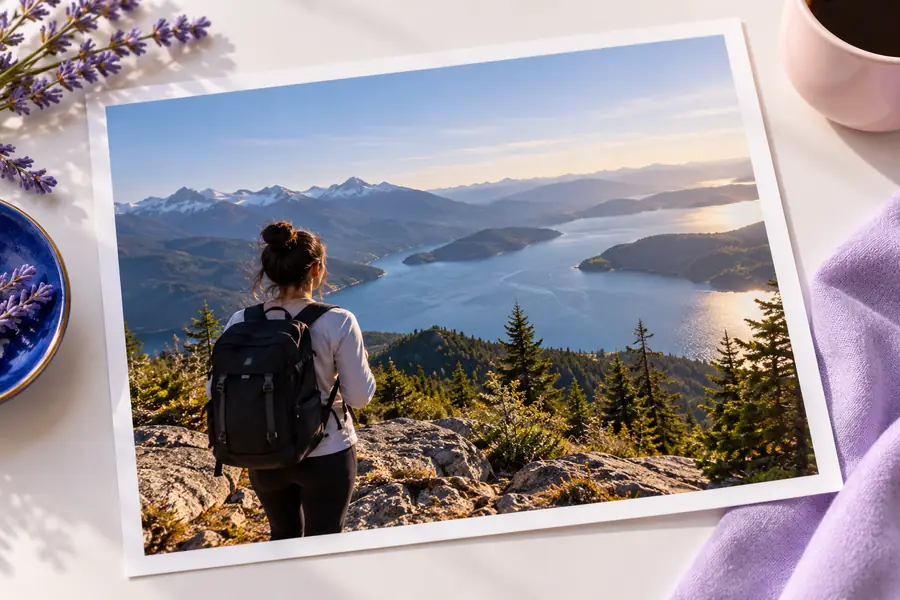

The output should always be checked at full size.
Original imageEdited imageNow that you know what is snapedit app, you can approach it with a clear goal and realistic expectations. Start with a suitable image, make one focused change, and review the result before using it elsewhere.
These answers address the main meaning and use of the query what is snapedit app.
SnapEdit is an image-editing app or service intended to simplify common photo adjustments. It is designed for focused changes to an existing image rather than replacing every type of professional editing workflow.
The app can help users work on selected parts of a photo, such as an unwanted element, a distracting area, or an image-quality issue. The exact result depends on the source image and the change being requested.
Begin by selecting an image and identifying the edit you want to make. Apply the change, inspect the revised image carefully, and refine the request or try another approach if the first result does not meet your goal.
No image editor performs equally well on every source. Clear images with visible subjects are generally easier to work with, while heavy compression, complicated overlaps, reflections, and missing detail can reduce the quality of the result.
SnapEdit can be useful for quick, focused image changes, but it is not automatically a replacement for manual retouching or a full layered design workflow. Important commercial, legal, or identity-sensitive images should receive human review.